


It’s easy to dismiss novelty, the new thing is often just the old thing with some small tweaks. But small tweaks add up, and eventually there is real change. Here’s what it was like to demonstrate virtual IP based network redundancy in the year 2000, over twenty years ago.

The technology
Wait, what is “virtual IP based network redundancy?” Let’s say that you have a server and you want it to serve stuff. Then you think about the nines and want to have multiple servers so you can fix or patch them… and maybe your service gets really popular and you need more than one server to handle load. You are now into the territory of load balancing appliances and round robin DNS (domain name service) with short TTL (time to live) tricks. These days the typical answer to this problem is IaaS services. You want domain names to always point to a working server’s IP address, and you want the service to keep working when a server stops. Back when we carved network appliances from wood and stone, these DNS tricks were pretty slow for the enterprise. Worse… what if the service that you want to support faces more than one network? Do you stick those really expensive load balancing appliances in front of every interface? And what if some of those networks are internal and might not use DNS?
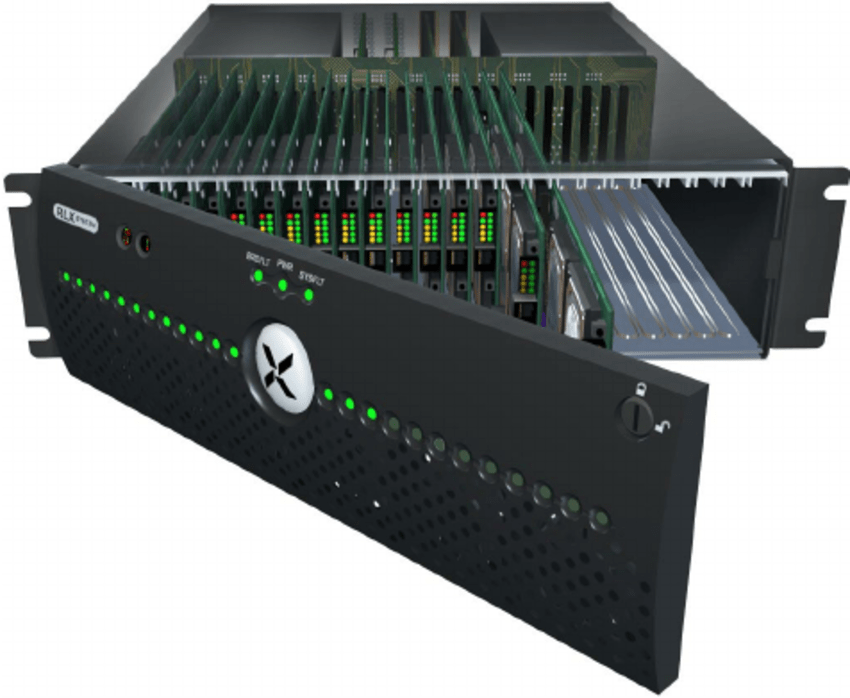
The ask was load balancing and high availability at a lower cost and without DNS. There’s a lot of places where that might have been useful, but the one we’re going to look at now was a critical linchpin of the year 2000 network: Check Point’s Firewall-1. FW-1 was the best commercially supported way to build a bastion host, with proxy options that supported protocol filtering of the most useful services. It wasn’t uncommon to see network diagrams with beefy Solaris servers running FW-1 between the company and the Internet, or sitting between different internal networking zones. What the product didn’t have at the time was fault tolerance or horizontal scalability, which is where Rainfinity or StoneSoft came in.

Rainfinity’s secret sauce was figuring out that ARP (address resolution protocol) didn’t have to be a passive thing: instead of waiting for a request, a device could issue a gratuitous ARP response and announce ownership of an IP address. Furthermore, you don’t have to have 1:1 interface to IP address mapping, you could do many IPs on a single interface. That meant you could use software to move virtual IP addresses around between systems. Configure a pool of addresses that your servers share, and when a server goes down (or is no longer heartbeating!) the relevant IPs are claimed by other servers. Now it’s called NIC teaming or link aggregation: back then, it was RAIN (Redundant Array of Independent Nodes) and Rainfinity was the company that the engineers who built it were hoping to monetize the tech with.
Today is not the day to go into what happened with Rainfinity or opinions on why; instead let’s talk about how a sales engineer like me would help a customer understand what this does and why they’d want it.
The story
Sales is about finding a problem and providing a solution; repeatable sales motions target specific problems with easy to understand solutions. If it’s really easy, you don’t need interactive help. You don’t need sales engineers to explain why you might want some glue, or how to glue two parts together. Complex problems are different, especially the problems in a newly emergent system. In fact, the prospect might not even be sure what’s causing the problem that they’re having. So a lot of the process was to discuss their business and find the problems. “How’s your network set up? Where are your firewalls? Do you use the Internet? What happens when a firewall fails, does that impact your business?” Sometimes you’d uncover (or get pulled into!) problems you couldn’t solve, such as email worms. Once we were sure there was a problem we could solve, we’d start the deck and give an overview of who the company was (CalTech! JPL!) and how the tech worked. Then it was time to show it off.
The demo
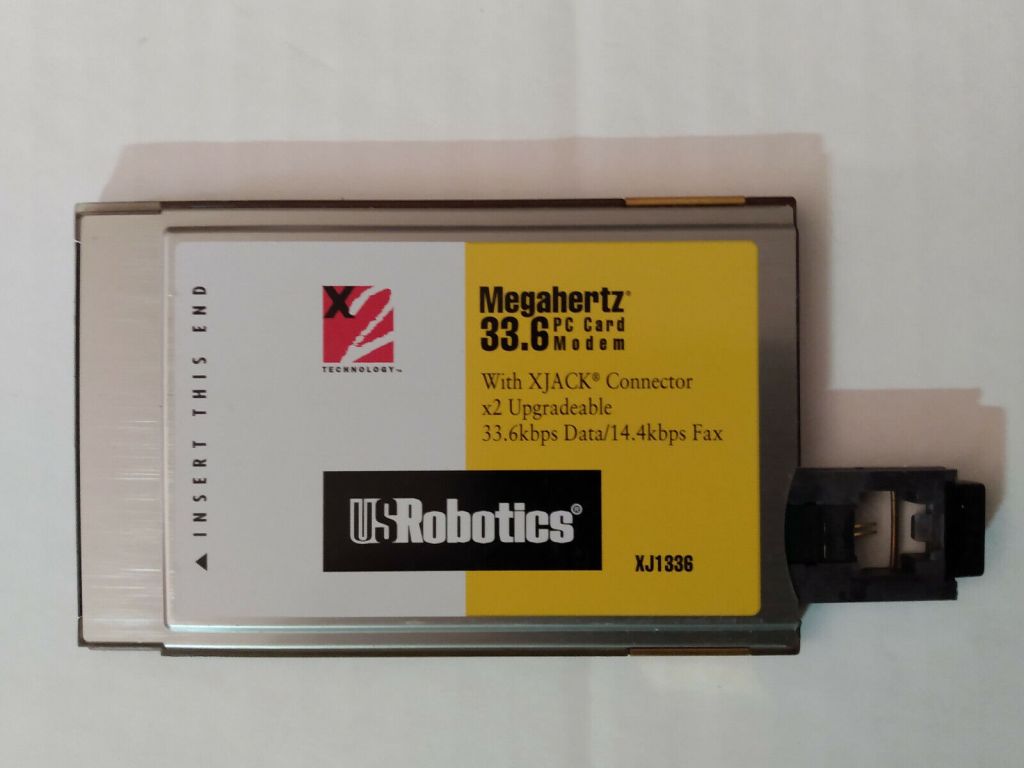
Public awareness of the Internet is still limited in the year 2000 and lots of organizations are still keeping their distance. If you want to sell some software to an IT department, you set up a meeting in their office and you show them what you do in a conference room. Chances are very poor that you, an outside vendor, will be allowed to connect to the Internet from that conference room. Even if you did, you might get a POTS phone line for your 33.6kbps modem instead of access to their shared T1 (that’s 1.5 megabits per second, friends); speed would be an issue. That phone line’s probably going through a PBX too, so dialing out to an actual ISP is going to take some arcane starting codes… and even if you get connected and stay connected, it’s not fast enough to share a screen over. This sucks, so you can’t effectively demo remotely or demo with remote equipment. Rainfinity actually did experiment with animated explainer videos delivered over the Internet after I left. The ability to demo enterprise software over the internet didn’t really kick in for me until maybe 2005, and wasn’t the default until 2010. In 2000, no one was going to sign a five or six figure deal without seeing some gear and shaking some hands.
The cloud doesn’t exist: though you could rent servers on the Internet, you couldn’t access them from a random conference room in Grand Rapids, Michigan. WiFi is experimentally around, but effectively doesn’t exist — you need cables for reliable connections. Virtual hardware is experimentally around, but effectively doesn’t exist. We need to bring a projector because the client’s can’t be found or doesn’t work, but thankfully there was a massive breakthrough in projection in 2000. The sales person would generally carry the projector, along with their laptop. That portable projector cost twice as much as their laptop and will be a conversation starter in most of our meetings.
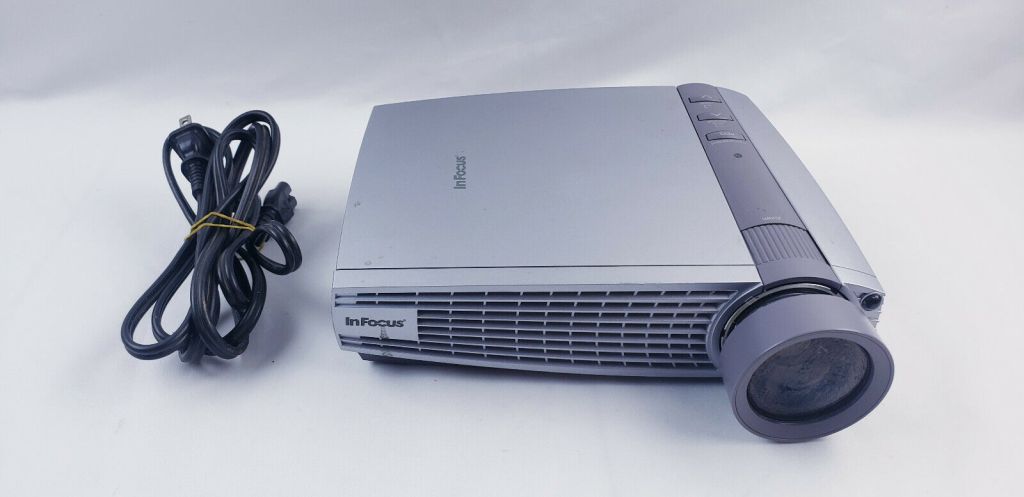
So in addition to the sales person’s daily carry, we need portable equipment for the sales engineer: a server, a client, two firewalls. It’s got to be portable, so it’s on laptops. Blade servers were a brand new tech we were watching closely, and I was involved with the unfortunate heat death of one at an Orlando conference… but the blade server wasn’t feasible for a portable demo. It’s the days of early mobile Pentium chips and 4800rpm drives, so each laptop is barely powerful enough to run a single task. FW-1 can technically run on Windows Server (ahem, with at least a 30% performance degradation), Solaris (hardware support for laptops? We laugh), or Linux, but Linux is the only realistic answer. We also need a place to run the presentation and the product’s console (that’s the SE’s laptop, natch – a sweet little Sony running Mandrake Linux that got stolen in Boulder, Colorado).

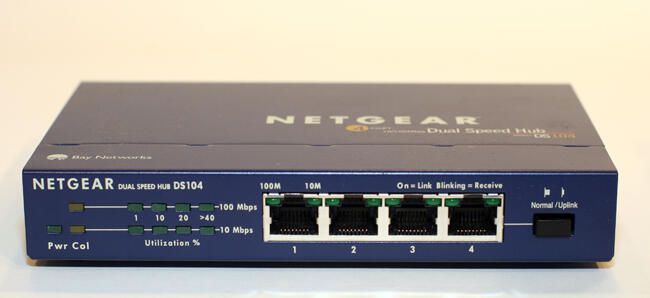
The server and client laptops are chosen primarily for being the smallest and lightest things we can cheaply get (Sharp), but the two firewall laptops have to have multiple network interfaces (Toshiba). That is not a thing that many laptops were designed for in 2000, but luckily there was the PCMCIA expansion technology, and we were able to find some models which had enough slots. Next problem, slot placement: an RJ45 ethernet cable end is taller than a PCMCIA card, so you either had a double height card (in which case you need PC Card slots on either side of the laptop) or a dongle (which is of course prone to break). Five laptops, two Ethernet hubs, seven power bricks, and a bunch of Ethernet and power cables zip-tied into harnesses. Plus the projector, my own laptop, and the sales person’s laptop… we need a lot of table space and a surprising amount of time to setup and tear down. This kit is a checked roller suitcase with foam cutouts. Don’t leave the equipment in the case though, it might overheat before the demo completes — which is what happens to the Orlando blade server at Networld+Interop. Given more time we might have figured out how to build cooling channels into our foam cutouts so that the demo could be left in the case, but it’s a startup and the clock is running.
Server serves files, Client downloads them, Firewalls 1 and 2 sit between them, Console shows that the virtual IP addresses are splitting between the firewalls. By the way, remote desktop software exists, but only as expensive and flaky commercial product — another reason for the in-person demo is so we can shift the projector’s VGA cable or turn the laptop screens and show that things are happening. Some of the files are 2-inch by 2-inch video streams (this is a big deal in 2000), there’s CD-ROM ISO files getting FTPed, it’s just lots of scripted traffic. The virtual IP addresses have colorful pictures of wild animals on them to make it look more interesting as they bounce from column to column in the Java console app; each real firewall node is a column.
If that was all it took, fine, but sometimes a customer would be interested enough to want to see more, and we had a really great accidental treat to show off in that case. It’d start with a question about the virtual IPs, an observant admin might notice that traffic wasn’t stable. “Why are sessions moving between the laptops? Shouldn’t traffic prefer to stay where it is?” Or maybe they’d ask to see the Check Point console’s view of the firewall logs. The interesting stuff was actually in the Linux syslog though: a terminal to a firewall, a tailed log… and you’d see that the Linux drivers for those PCMCIA network cards were buggy. Every few minutes, a driver module would unload and traffic would stop until a shell script would modprobe it back in and restart the networking stack. (Another reason to use Linux… driver level failure on Windows NT would have blue-screened and required a total reboot.) Between that and the delicate PCMCIA dongles, it was a wonder traffic could pass through this cluster at all, and this was an excellent demo for explaining why you’d want the software for the early adopters who needed something like it.

The Travel
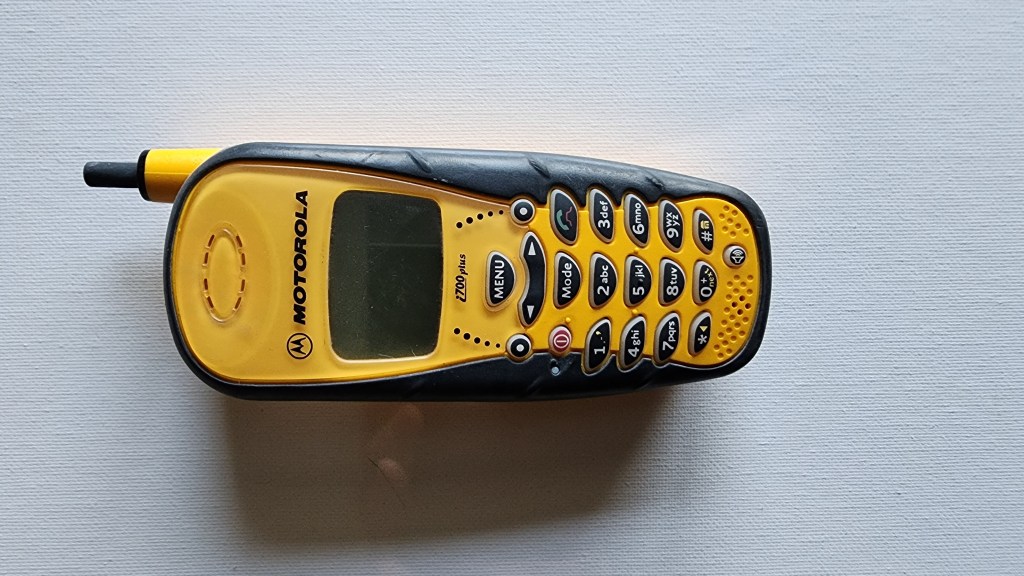
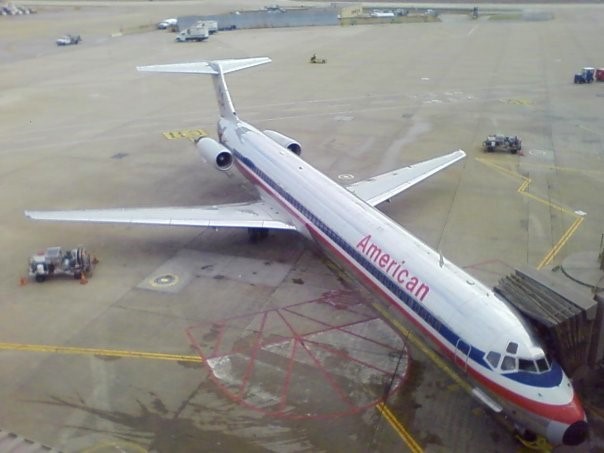
I’ve been remembering this because of some personal reasons travel lately. In 2000, not only did you need to go to the customer’s site, but getting there was also a lot harder. There was no Uber or Lyft, so unless you were going to a very small list of major cities with taxis, you’d need to rent a car. You could technically book flights directly on the Internet via the airlines or Expedia, but anything complex still required a travel agent for best results. Cell phones were not pocket computers, you just used it to make calls (poorly, for the most part). Texting was possible but not really a thing unless your company chose Blackberry or Nextel. On the other hand, airport security was a metal detector, and in some small airports I’d spend a whole ten minutes getting from rental car drop off to airplane gate: most of that time getting my paper boarding pass printed at a kiosk (probably running Windows 95). SJC was a disturbingly half-finished airport that couldn’t accept large planes at night, DTW was a leftover from Mad Men, and DIA (sorry, that’s DEN now) was all by itself in the middle of nowhere. Stuck in Denver because San Jose is closed? You’re curling up on a bench, because it would take most of an hour each way to reach a hotel and the next flight is boarding in five hours. Northwest Airlines, TWA, and US Air were still flying, American’s fleet was full of terrifyingly rickety MD80’s, but United and Southwest honestly seem unchanged, except the seatback telephones are gone.
I traveled every week I was at Rainfinity, with a toddler at home and another on the way. It was completely unsustainable. Returning from 36 hours without sleep to a stack of family obligations, I fell asleep while driving with my son: thankfully I didn’t crash, but it was a sign. I was burned out and had to find another job with fewer airplanes involved.

 Monkeynoodle.Org
